Mahmudul Hossain
Google Ads & Conversion Tracking Specialist
6 October 26
12 min read
Illustration by Fsdm Mahmudul
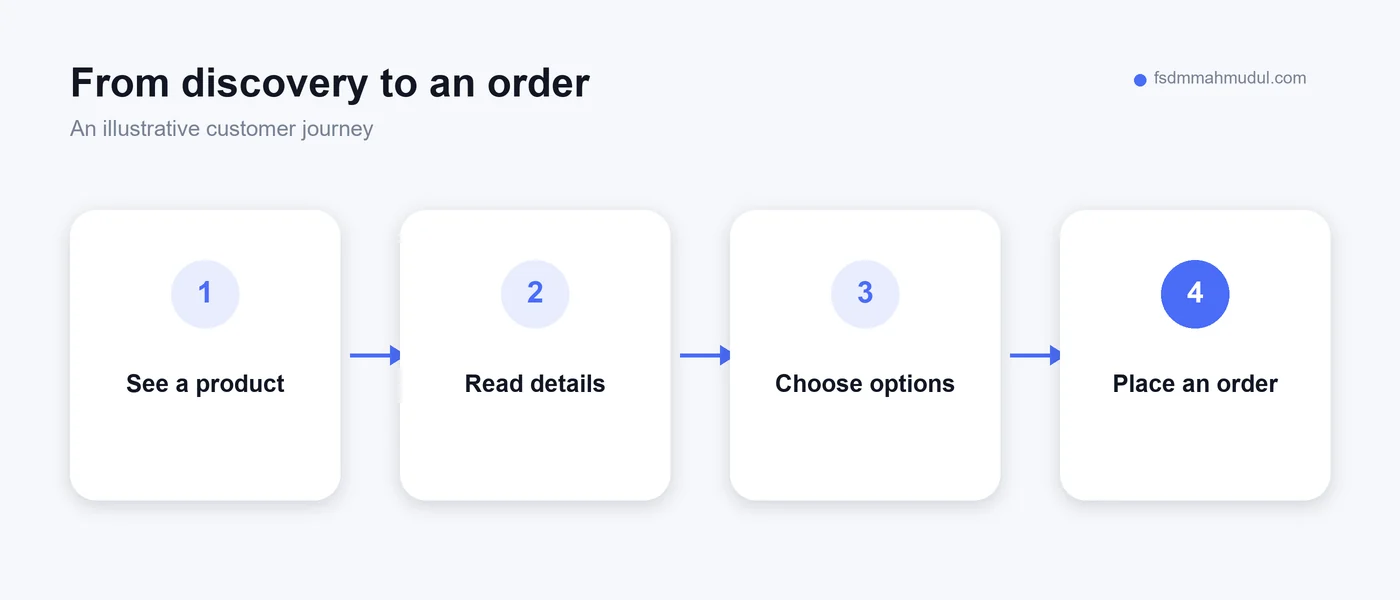
A customer sees a pair of shoes on your shop's social page. The colour looks right. The price seems reasonable. They send a message asking whether their size is available, then wait while you serve someone at the counter.
By the time you reply, that customer may still be interested. Or they may have bought elsewhere. You cannot tell from the unanswered message alone. What you can see is that buying depended on both people being free at the same time.
That is a useful place to begin the conversation about a local ecommerce website. Our conversion rate optimisation work looks at these gaps in the buying journey. A website can give customers the information and next step they need while your team is busy elsewhere.
It will not magically make an unknown shop popular. It will not solve poor stock control. But for a local clothing shop, shoe shop or mixed retail store, it can become a reliable place where interest turns into an order.
Social posts are good at showing what has just arrived. A short video can show how a dress moves or how a sneaker looks when worn. The difficulty comes when someone wants to compare products, check details and buy.
Imagine trying to find a particular shirt in several weeks of posts. You remember the picture, but not the date. Then you find it and discover that the price was part of a temporary offer. You still need to ask about sizes. That is a lot of work for a simple purchase.
A useful website organises the same stock into clear categories. Customers can open the product, choose an available size, read delivery information and continue towards checkout. They can still ask questions when they need personal help.
The point is to make ordinary purchases easier to complete. Your social channels introduce the shop; your website gives the customer a stable destination. You can share a direct product link instead of asking people to describe a screenshot in a chat.
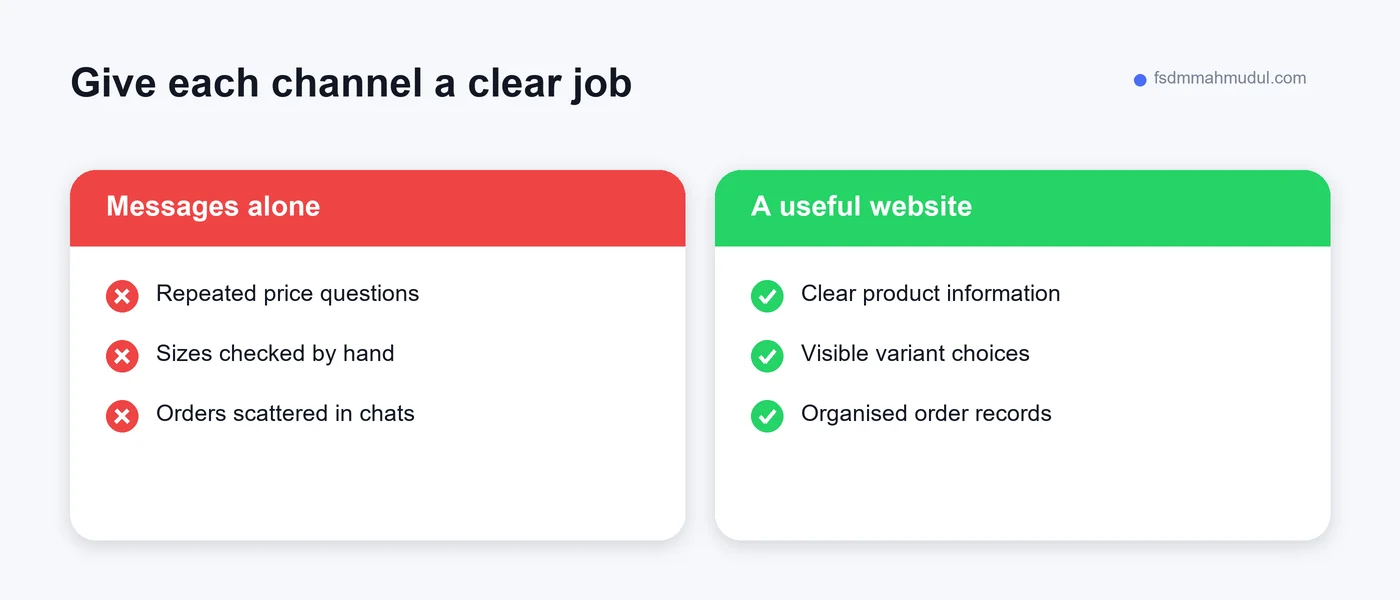
You do not need a complicated report to notice an overloaded ordering process. Start with what happens during a normal busy day. Are customers repeatedly asking for the same information? Does the person packing orders also have to find every size and price in messages?
Here are practical warning signs:
None of these proves that a website is the only answer. Better procedures may help immediately. But several appearing together suggest that your shop needs a more organised place for product information and orders.
Before investing, keep a simple record of repeated questions and order mistakes. Write down what happened, rather than estimating lost revenue. That record gives you a clearer brief than saying you want a modern website.
A local business does not have to imitate a large national retailer. It may already have something a new online brand lacks: a real place customers can visit, staff who know the products and regular buyers who recognise the business.
Bring those strengths onto the website. Show the correct address, useful directions, genuine shop photographs and accurate opening hours. Explain whether customers can collect an order or check a product in person. Only offer services your team can consistently provide.
For a clothing shop, a customer may browse online before visiting to try a garment. For a shoe shop, someone may check whether a particular style is stocked before making the journey. Those visits still matter, even when checkout is not the final step.
Make the distinction clear in your records. An online order, a reservation and a request for directions are different actions. They can all be useful, but counting them together hides how people actually use your website.
Fashion is personal. A shopper wants to picture wearing the item, but also needs to judge fit, material and practical use. A nice cover photo can create interest without answering any of those questions.
For clothing, explain the fabric, cut, garment measurements and care instructions using details you have checked. If a shirt is described as relaxed fit, show what that means through photographs and measurements. Do not assume every customer interprets a size label the same way.
For shoes, identify the sizing system, available sizes, material and relevant fit information. Show the side, sole and fastening where those details affect the purchase. If you cannot confirm a claim about comfort or performance, leave it out.
This is why a clothing store website needs a dependable product page, not just a gallery. The page should help someone decide whether the item suits them. Honest detail can also prevent expectations that your product cannot meet.
We cover the practical page requirements in our website essentials for clothing and shoe shops. Use that guide when preparing product information for the person building your shop.
An order system can record the selected product, size, address and payment status. It can organise incoming orders and show customers a confirmation. Those are useful tasks, particularly when several staff members handle the same sale.
Your team still has to maintain stock, pack the right item and deal with questions. If website availability is inaccurate, the tidy checkout simply creates a different kind of problem. A customer can pay for an item that is already gone.
Agree who updates product information and how often it is checked. Choose a process that fits your shop. If you also sell from the counter, account for those sales in the online availability rather than treating the two channels as separate stockrooms.
Think about the unglamorous details before the launch: who checks orders, who changes delivery status and who handles exchanges. A website should support a real working process. It should not depend on one person remembering every step.
| Customer need | Website support | Shop responsibility |
|---|---|---|
| Find a suitable item | Categories and useful product pages | Accurate descriptions and photographs |
| Choose a size | Clear size options and measurements | Correct stock and verified sizing details |
| Understand delivery | Visible charges and service areas | Reliable dispatch and honest time estimates |
| Place an order | A working checkout and confirmation | Packing, payment checks and fulfilment |
| Ask for help | Clear contact options | A person who follows through |
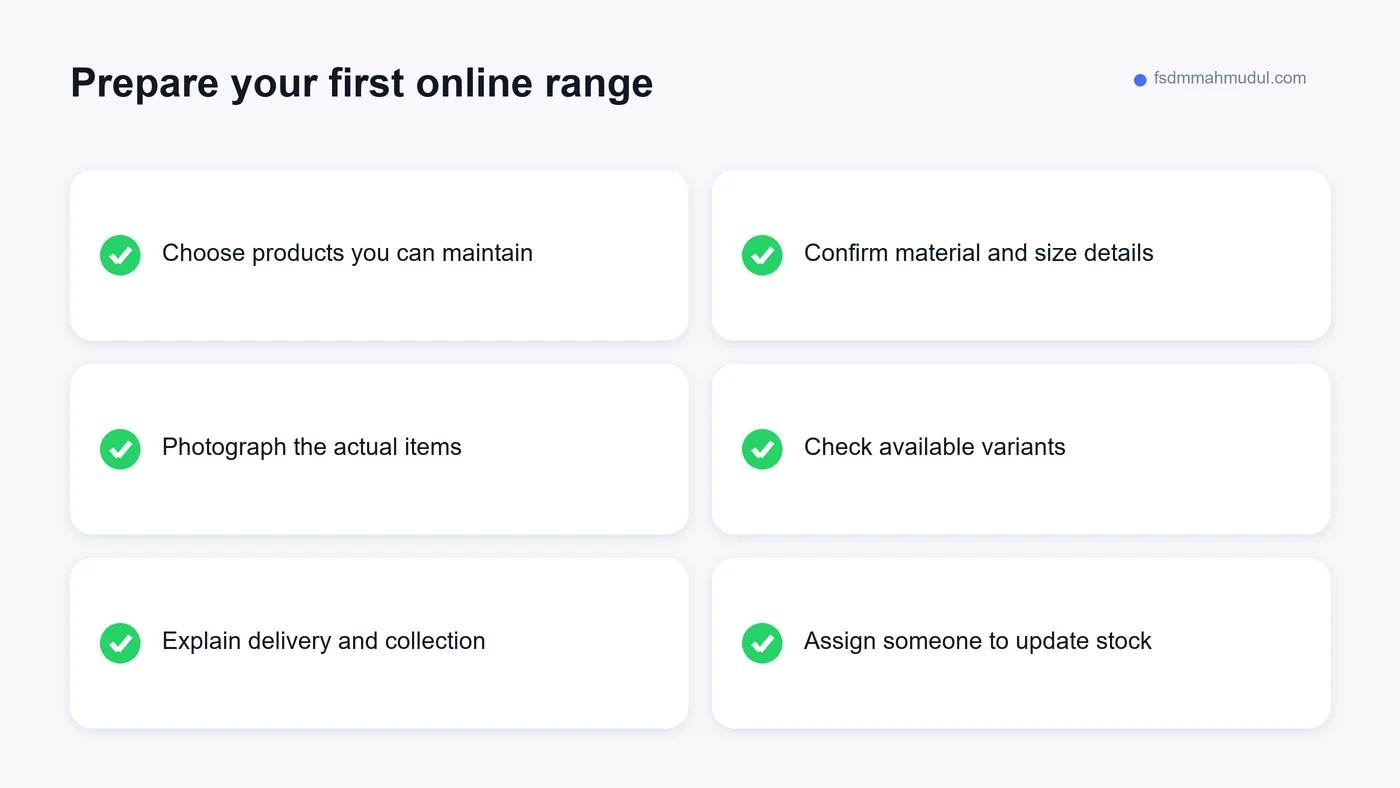
Uploading every item on your shelves can make the project drag on. A smaller, carefully prepared range may be easier to launch and maintain. Choose products with clear details, reliable availability and a buying process your team already understands.
This does not mean pretending the rest of your shop does not exist. You can explain that more products are available in store. What matters is that items offered for online ordering are ready for that responsibility.
Sort the first range into categories customers would recognise. Use names like women's shirts, children's shoes or everyday bags when they describe the stock accurately. Avoid clever category names that make people guess where to look.
Once the first range works well, add more products in batches. Check each batch for missing pictures, incorrect variants and delivery restrictions. It is easier to catch mistakes before customers encounter them than during a busy sales period.
Shop owners are often shown long lists of website features. Some are useful. Others sound impressive but add little to the customer's immediate task. Before choosing extras, write down the journey you need the first version to support.
Can someone find the product, choose the right option, understand the total cost and place an order? Can your team fulfil that order without reconstructing it from several systems? Those questions deserve attention before loyalty points or complicated personalisation.
You may need a full checkout, or you may begin with a catalogue and clearly organised enquiries. Be honest about the difference. A catalogue that asks customers to message you is not the same as a shop that accepts and records orders automatically.
Ask what will be included after launch as well. Someone needs to update the website, check problems and maintain access to the domain and shop accounts. Make sure the business has control of the accounts it depends on.
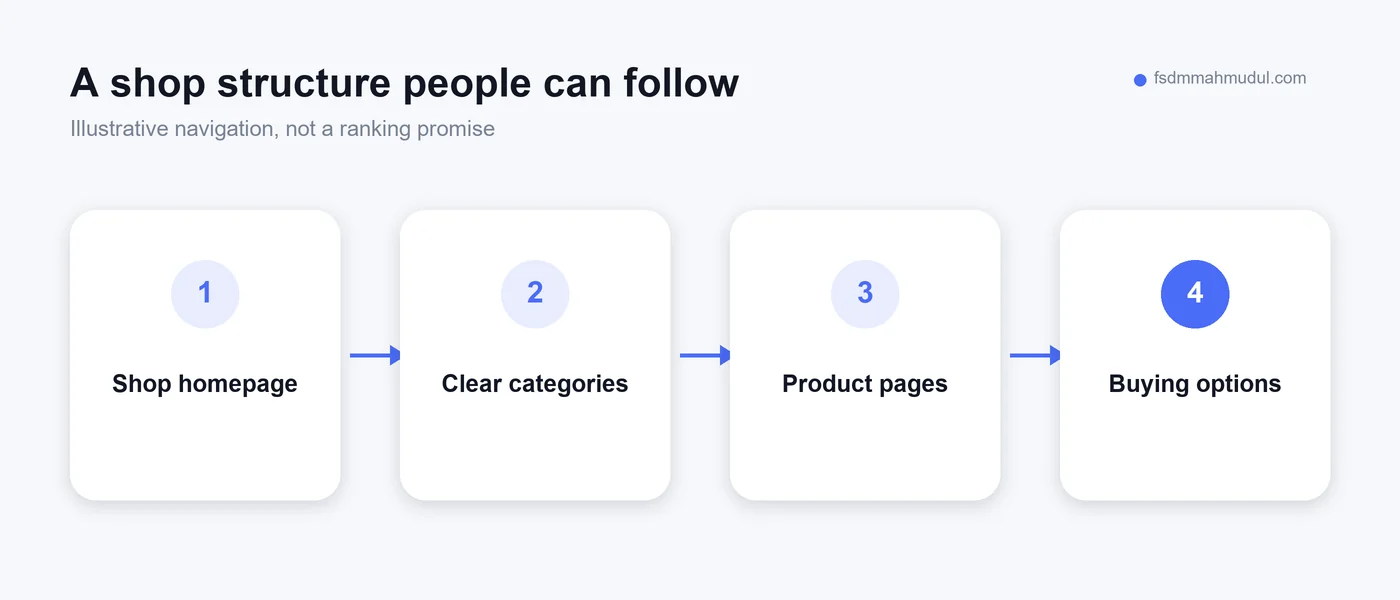
Customers search with different levels of intent. Someone may search for your shop by name after receiving a recommendation. Another person may look for a product category and a location. Your website needs understandable pages for both journeys.
Use real category names, accurate product titles and useful shop information. Describe what you stock without adding every possible town or product keyword to every page. Repetition that reads awkwardly does not help the customer make a decision.
Google explains that links between categories and product pages help it understand an ecommerce site's structure. You can read the official guidance on ecommerce navigation. Good navigation also gives people a straightforward way to browse.
Publishing a website does not guarantee a search position. Product information, competition and the usefulness of the pages still matter. Treat search visibility as something to develop and measure, rather than a promise attached to the launch date.
If you plan to pay for traffic, consider what people see after the click. A customer interested in one pair of shoes should not have to start again from a general homepage. Send them to the relevant product or category, depending on the advertisement.
The page should match the advertised offer and explain any conditions. Check that the advertised size or style is actually available. When the stock changes, update the campaign as well as the website.
Our ecommerce advertising service connects campaign planning with product pages and measurement. Advertising and the shop experience need to support each other; sending more people into an unclear ordering process does not resolve that process.
Decide how you will record success before the first campaign begins. Look at completed orders, suitable enquiries and the actual cost of serving them. Likes and visits can explain interest, but they do not tell you whether the business made a useful sale.
Begin with your own operating picture. How many products can you maintain accurately? How much time goes into repeated questions? Is there a reliable way to pack and deliver orders? Which customer needs are currently difficult to meet?
Then compare the full costs of a website: setup, ongoing maintenance, product preparation and staff time. Ask the provider to separate necessary work from optional additions. A small shop needs a plan it can maintain, not just a launch it can afford.
Do not judge the decision against someone else's sales screenshot. Their prices, stock and audience may be different. Our case studies are useful examples of documented work, but they should not be read as a forecast for another shop.
Set a review point after launch. Check whether customers can complete the intended journey and whether the team can manage the orders. Use those findings to decide what to improve next, rather than continually adding features without a clear purpose.
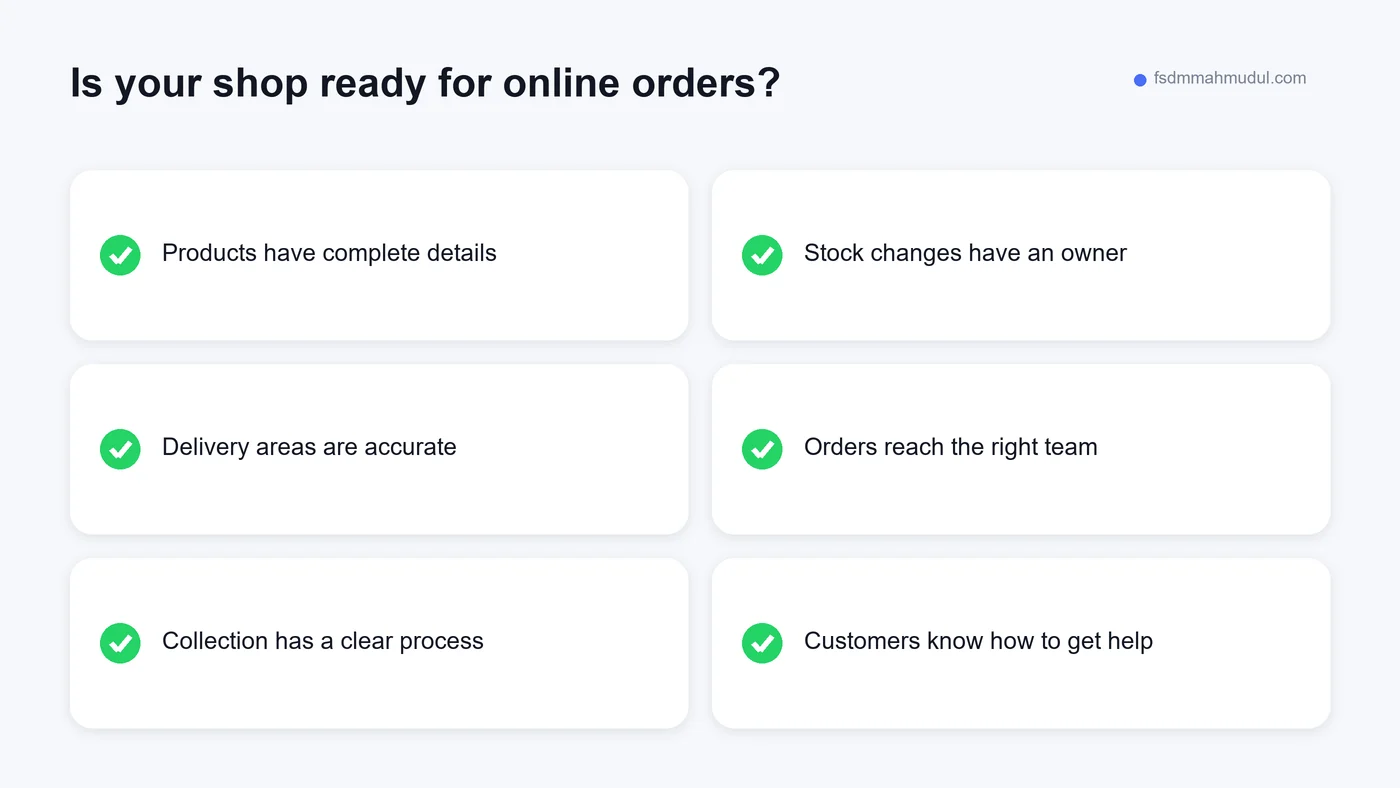
One mistake is copying descriptions from unrelated shops. The wording may describe different materials, fit or delivery conditions. Start with the product you actually sell. It is better to write a short accurate description than a polished paragraph full of unverified claims.
Another is treating launch as the end of the job. Old opening hours, unavailable products and unanswered website enquiries can weaken trust. Put ongoing checks into someone's normal responsibilities.
Also avoid hiding charges until the final step. Customers need enough delivery information to understand the likely total before committing. If charges vary by area, explain how they are calculated and where customers can see the final amount.
Finally, do not remove helpful personal contact simply because you now have checkout. Clothing and shoes can raise questions that a product page does not fully answer. Let customers get help while keeping routine purchases straightforward.
Not always. It becomes more useful when product questions, manual orders and growing traffic are difficult to manage. Review the actual gaps in your process and your team's ability to maintain an online catalogue before committing.
Yes. Social channels can introduce products and support conversations. A website can hold the dependable details and ordering process. Give each channel a clear job, and keep product information consistent across them.
Only when fulfilment can support it. Begin with the areas you can serve reliably, show the restrictions clearly and expand when your process is ready. A wider delivery promise is not useful if orders become difficult to complete.
Check completed orders, useful enquiries, repeat questions and the work needed to serve customers. Compare consistent periods and note changes in advertising or stock. Avoid judging the website by traffic alone.
A useful website does not have to be large. It needs accurate products, clear answers and a buying journey your shop can fulfil. That is a practical goal for a local retailer moving beyond an inbox full of orders.
If you already have a website, our shop website warning-sign guide can help you decide what needs attention first. If you want our team to review the customer journey and advertising readiness, Get My Free Audit.
We can review your current setup and show which issue should be addressed first.
Get My Free AuditHere are answers to the questions people ask us most. Can't find yours? Message us and we usually reply within an hour.

We review your campaigns, tracking or conversion journey, then show you the main issue limiting performance, its business impact and a practical next step.
Yes. Most clients start from $1,000 a month in ad spend. We will tell you honestly if your budget is too small.
A dedicated specialist from our team runs your account day to day, and Mahmudul oversees the strategy and reviews the results. You always have one point of contact, so you never have to chase anyone.
No. Work is month to month and you can cancel any time.
Always. Your accounts, campaigns and tracking stay yours, even if we stop working together.
Wasted spend usually drops in the first 2 weeks. Steady growth shows by month 2 or 3.
Clients in Bangladesh, the US, UK, Canada, Australia and Europe. Our team works across time zones.
Request a free audit or message us on WhatsApp. We confirm the audit is a good fit, share our findings or invite you to a review, then agree the next step with Mahmudul.
Yes. Our tracking specialist checks that every sale, lead and call is counted correctly, because good ads need good data.
Yes. We send clear, simple notes your developer can follow, or our own developer makes the changes for you.
With a team. Mahmudul leads a small group of specialists in ads, tracking, page design and website development. Each person works on what they know best, and Mahmudul checks the work before it reaches you. If someone is away, another team member covers for them, so your work never stops.
You get a simple monthly report showing what we spent, what we got back and what we will do next. Mahmudul reviews every report before it is sent.